Customizing the web interface
Users can customize the Bravura Security Fabric web interface to suit their personal requirements and preferences.
Bravura Security Fabric allows users to customize the home dashboard to suit their personal requirements and preferences.
User interface
To manage the metrics widgets displayed at the top of the dashboard, click the Manage metrics icon  in the bottom right corner of the metrics bar.
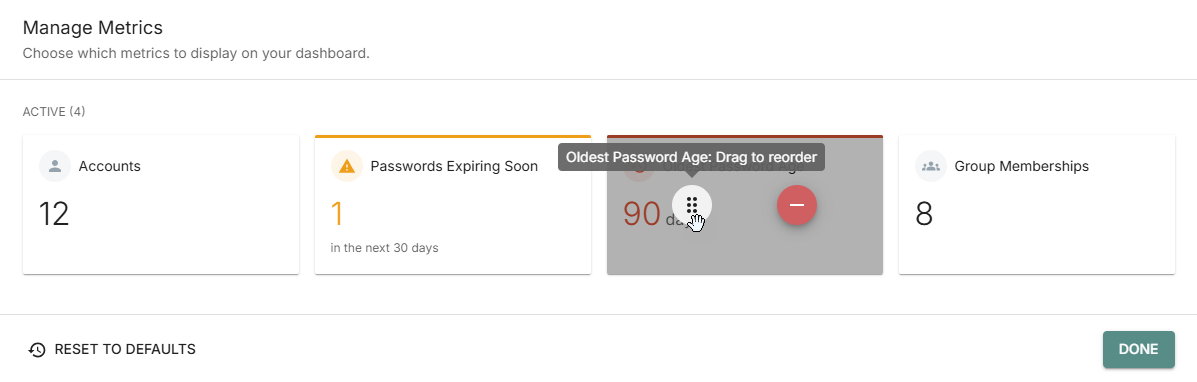
Click and hold a move  icon to drag metrics widgets to suit your preferences.
Favorites
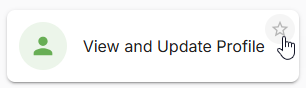
Click the star icon in the upper right of a menu tile to add it to your favorites section on the home dashboard.