Running Group Reports
Users with appropriate permission can use the Groups app to run the groups report, membership report, and group changes report on target systems. These users can view reports and download them in CSV format.
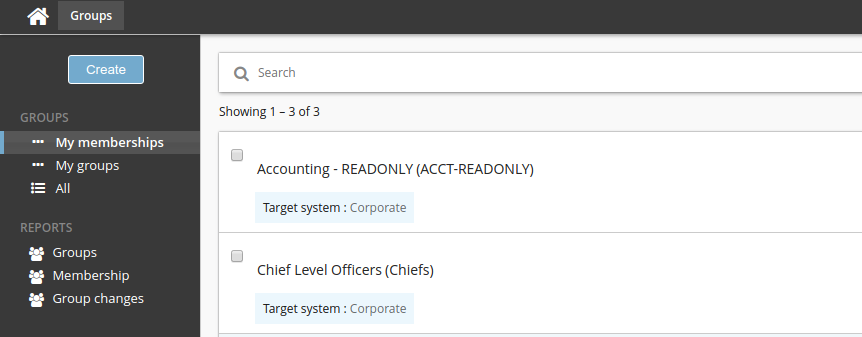
Run the Groups report
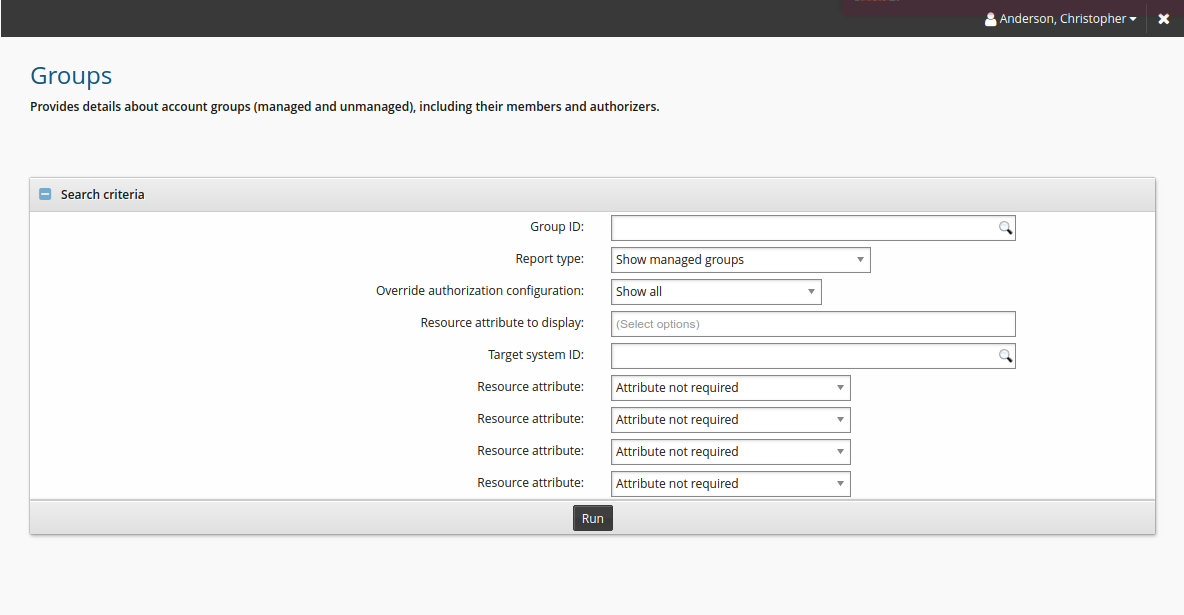
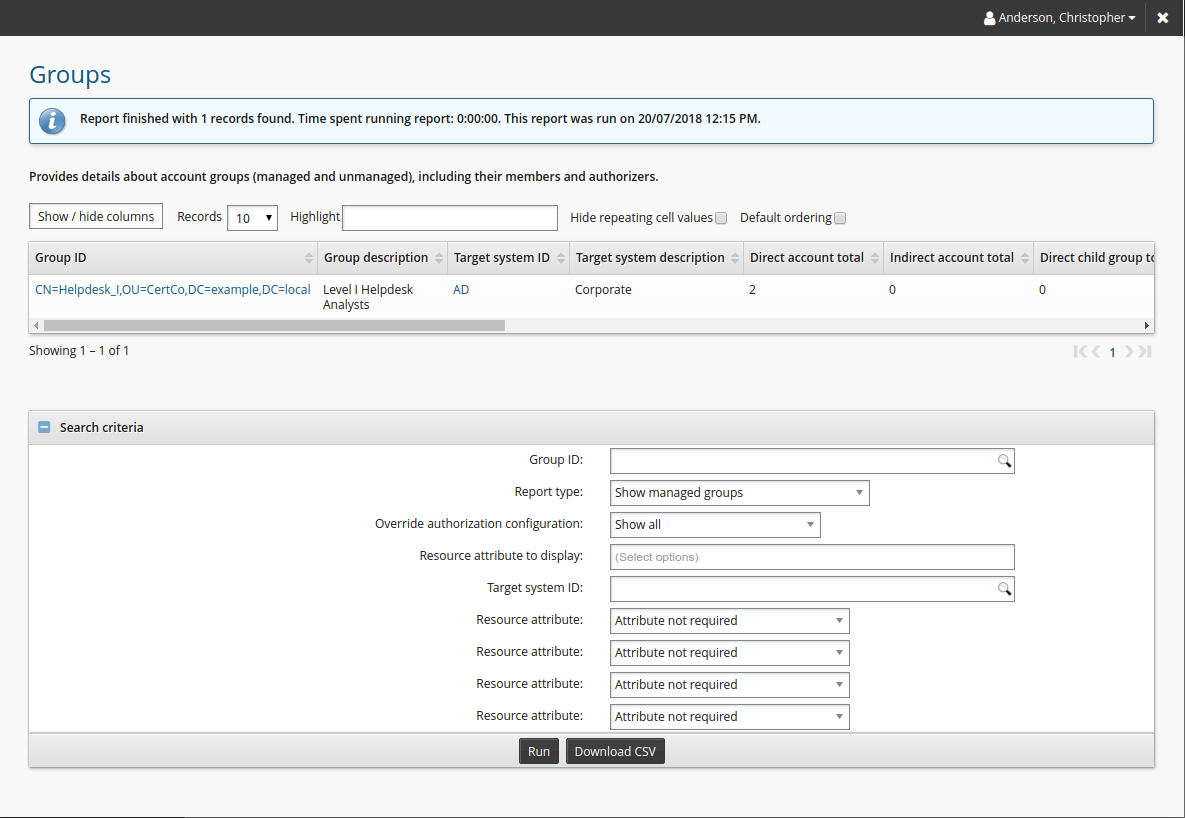
From the self-service main menu, click Groups in the Filter panel to run a report on managed and unmanaged groups that you own. The report details membership and statistics.
Click Download CSV to download the completed.
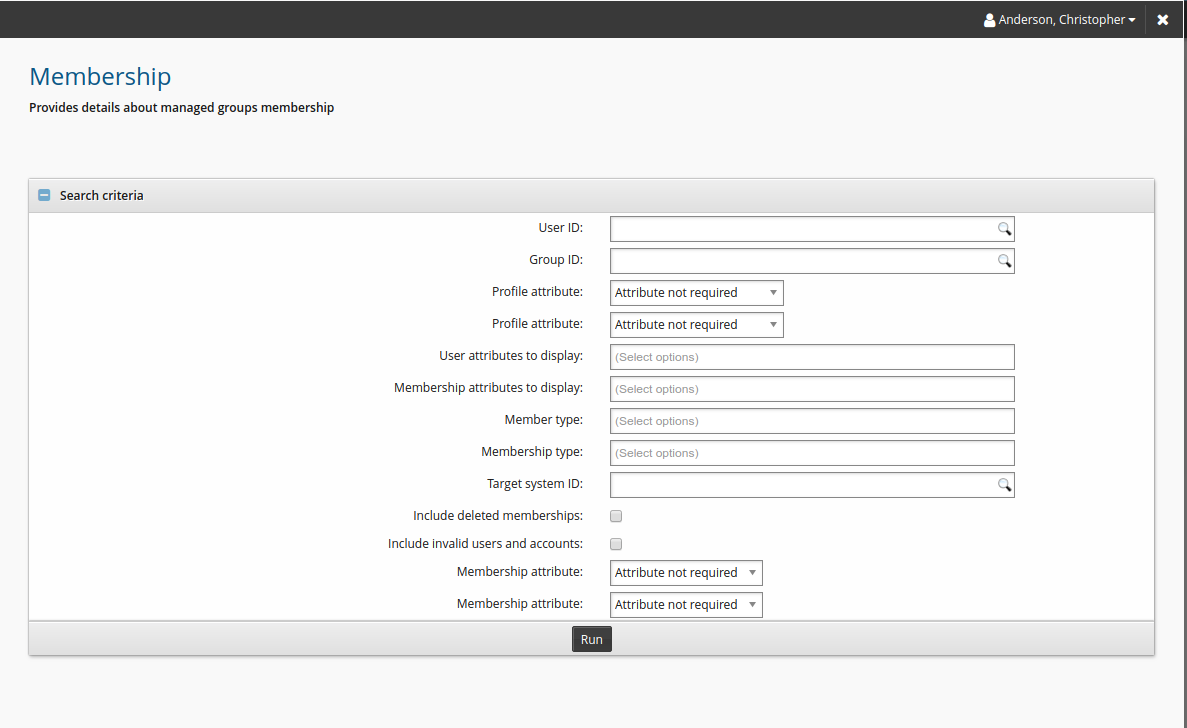
Run the Membership report
Self-service users can use the Groups app to run reports on group account membership and child group membership on groups managed by Bravura Security Fabric .
Click Membership in the Filter panel to run the membership report on groups that you own.
Click Download CSV to download the completed report.
Run the Group changes report
Self-service users can use the Groups app to run reports on all changes related to groups managed by Bravura Security Fabric.
Click Group changes in the Filter panel to run the Group changes report on groups that you own.
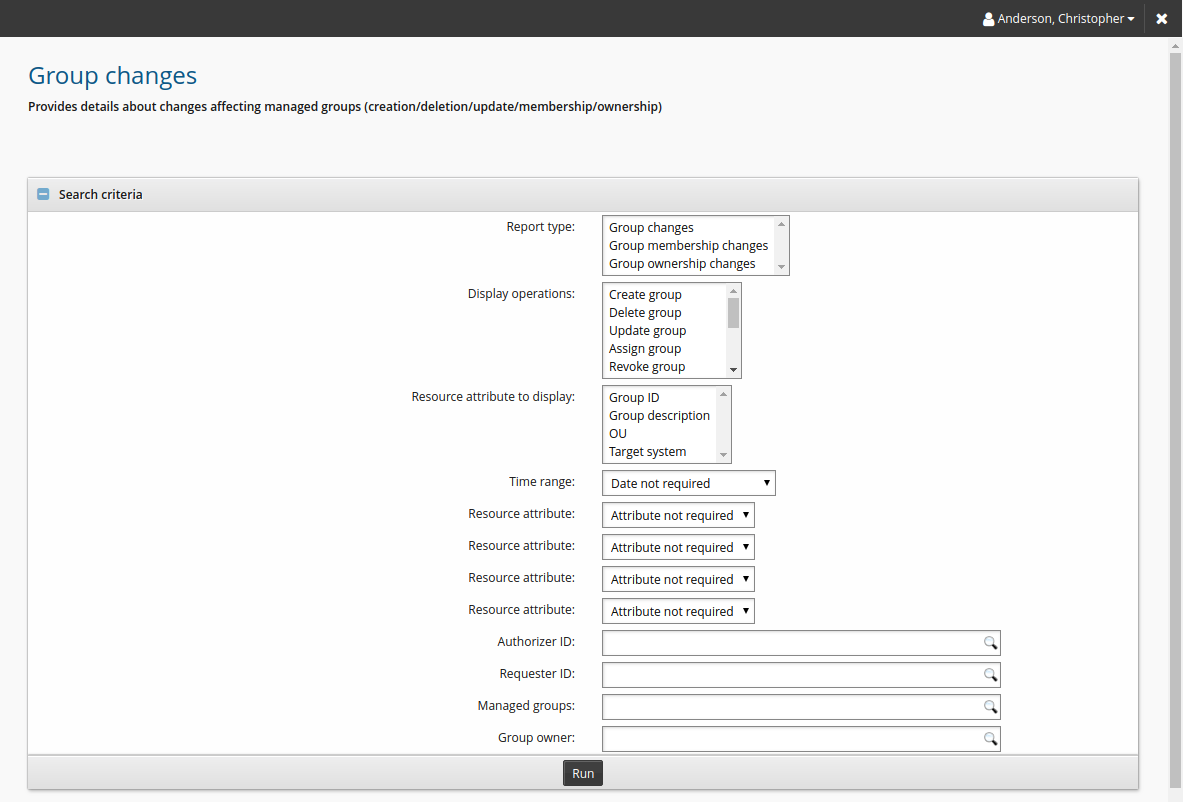
Click Download CSV to download the completed report.