Accessing Bravura Security Fabric via a mobile browser
Users can access a configured Bravura Security Fabric instance via browsers on a mobile device.
Supported devices are:
Android version 11.0 or higher
iOS version 12.0 or higher
Supported browsers are:
Chrome
Safari
To access the Bravura Security Fabric instance connect your device to an appropriate network, open a browser window, and enter the instance URL. Follow the standard procedures to log into the Front-end (PSF).
Desktop and mobile view
Most browsers will default to the correct view for Bravura Security Fabric automatically. However, a link is available on the login page to switch views if necessary.
Click Switch to mobile view to view Bravura Security Fabric on a mobile device. The mobile view displays a mobile-friendly version of Bravura Security Fabric, optimized specifically for browsers on mobile devices.
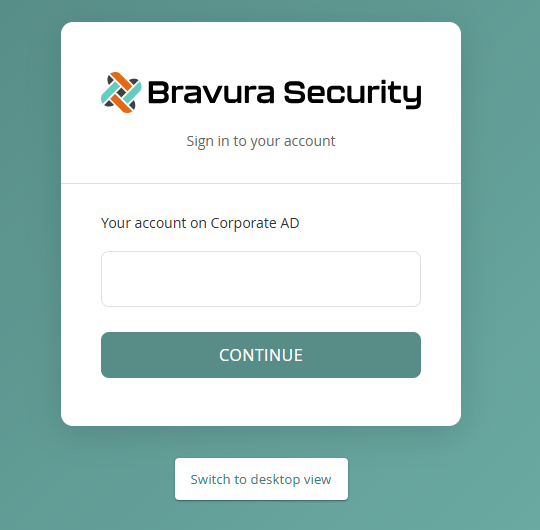
Click Switch to desktop view to view Bravura Security Fabric on a desktop machine. The desktop view has been designed for accessing Bravura Security Fabric on a desktop or laptop computer.
The selected view will be remembered for that browser until the browser cache is cleared.