Mass Password Reset
Once Mass Password Reset (MPR) has been configured by product and system administrators, any administrator in the MPR_admins user class can trigger the mass password reset feature. This section walks through the actions available to an MPR administrator.
Bulk onboarding for mass password reset
Mass password reset (MPR) requires user accounts to be onboarded before their passwords can be reset. An administrator in the MPR_admins user class can use the Mass Password Reset Onboard pre-defined request for this action.
As an MPR administrator:
Log in to Bravura Pass.
Under Requests, select Mass password reset.
Click Mass Password Reset Onboard.
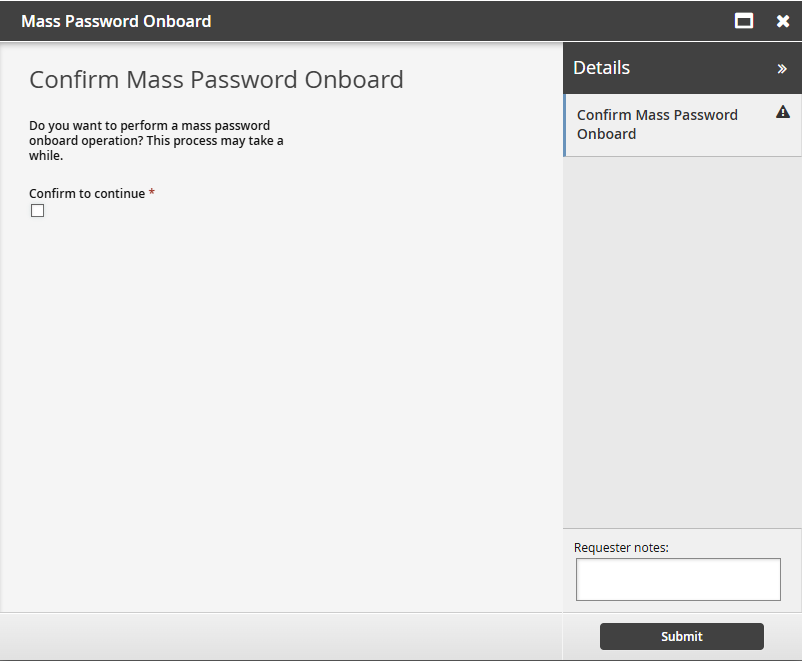
Check to confirm.
Submit the request.
Wait for the mass password onboard completion. The process will take several minutes, depending on the number of users.
Once user accounts are onboarded, Bravura Safe secrets are associated with target accounts, and you can trigger a mass password reset.
Triggering mass password reset
Once user accounts are onboarded to Mass Password Reset (MPR), passwords can be resecured. An administrator in the MPR_admins user class can use the Mass Password Reset request for this action.
As an MPR administrator:
Log in to Bravura Pass.
Under , select Mass password reset link.
Click Mass Password Reset.
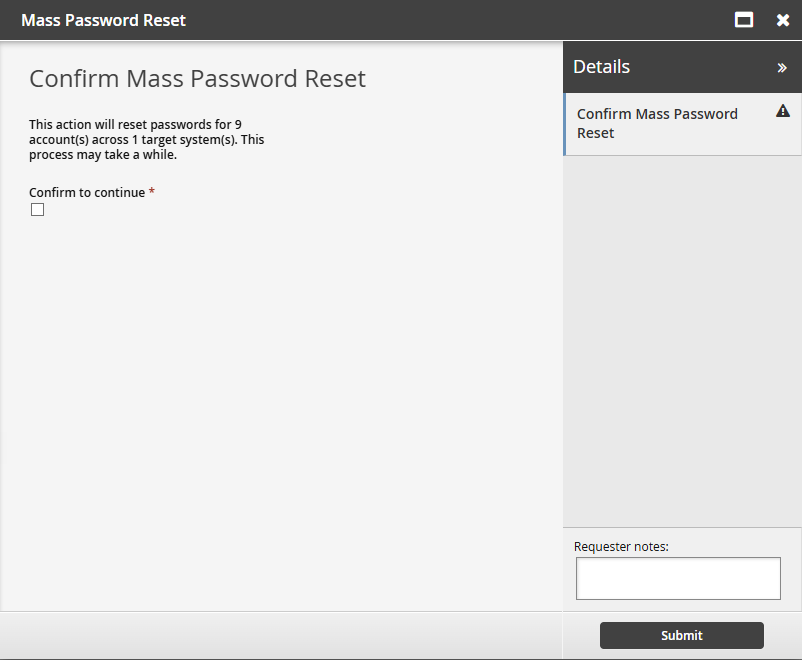
Review the account and target counts.
Select Confirm to continue.
Submit the request.
When this pre-defined request is triggered, accounts onboarded to MPR will be resecured:
Passwords will be rotated according to their password policies.
New credentials will be stored in Bravura Safe.
Although this process may take some time, depending on the number of accounts, target connections, and other factors, account owners will be able to access their credentials in Bravura Safe seamlessly at all times.