Add a new user in a certification campaign
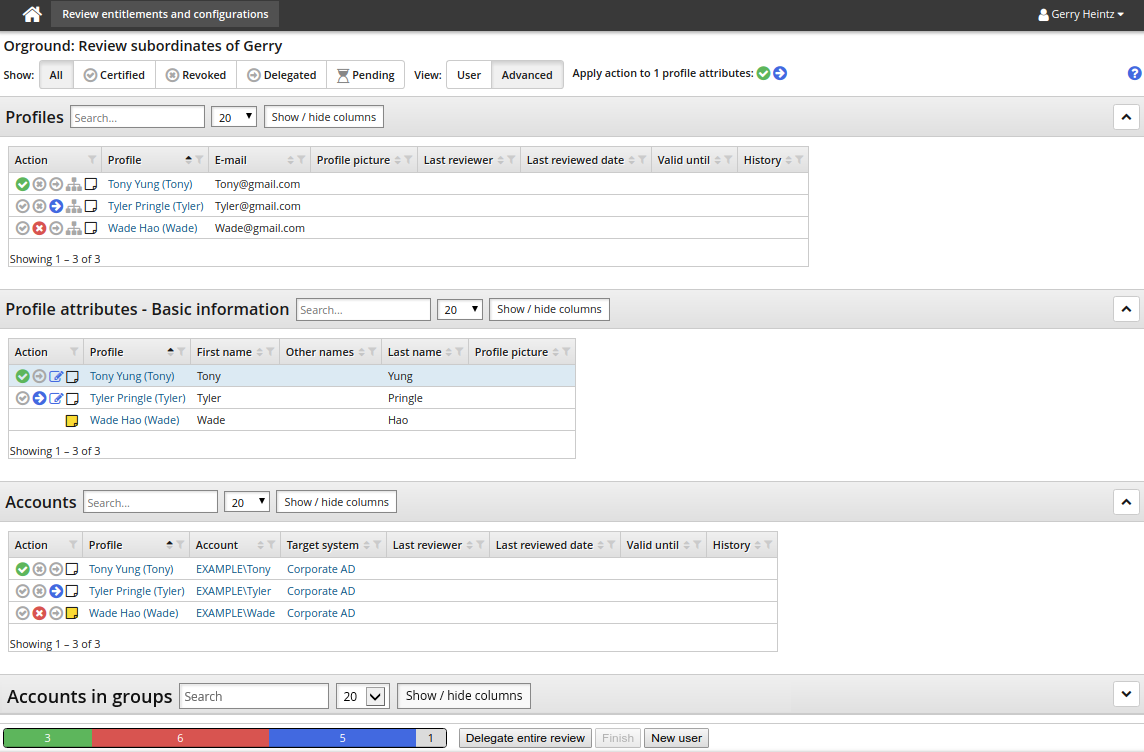
Certification campaigns can be configured so that you can create a new user by clicking the New user button at the bottom of the certification app page.
The campaign must be configured to include profile attributes, and a remediation pre-defined request for adding profiles.
The default request wizard allows you to choose accounts and edit basic profile information.
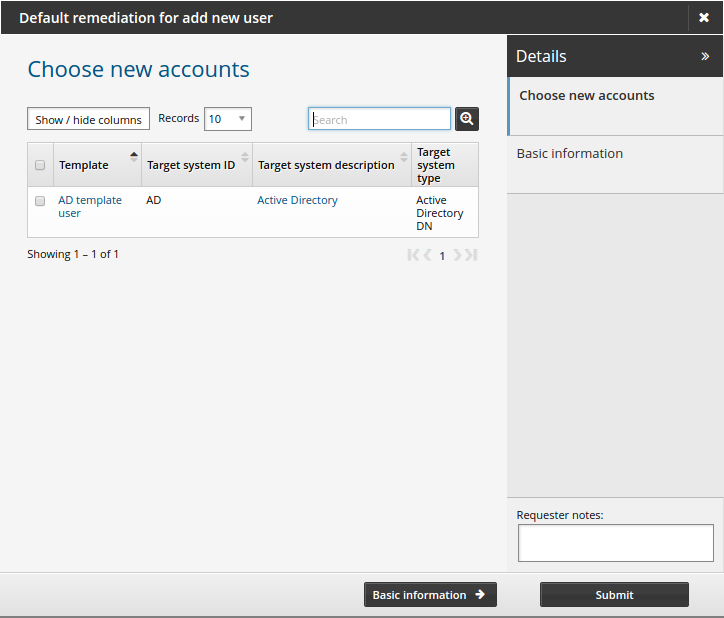
See Creating a New User for more information on creating a new user.