Creating Groups
Users with appropriate permission can use the Groups app to create groups on target systems.
Users in the _GROUP_CREATE_USERS_ user class can use the Groups app to create groups.
Create a group
The following procedure describes how to create a group using the standard Create group request. To create a group:
From the self-service main menu, click Groups.
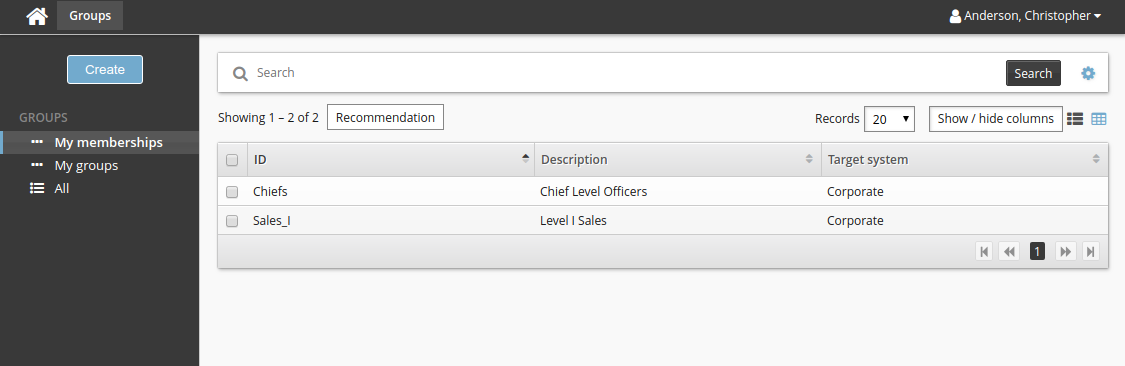
Click Create at the top of the Filter panel.
Define group information.
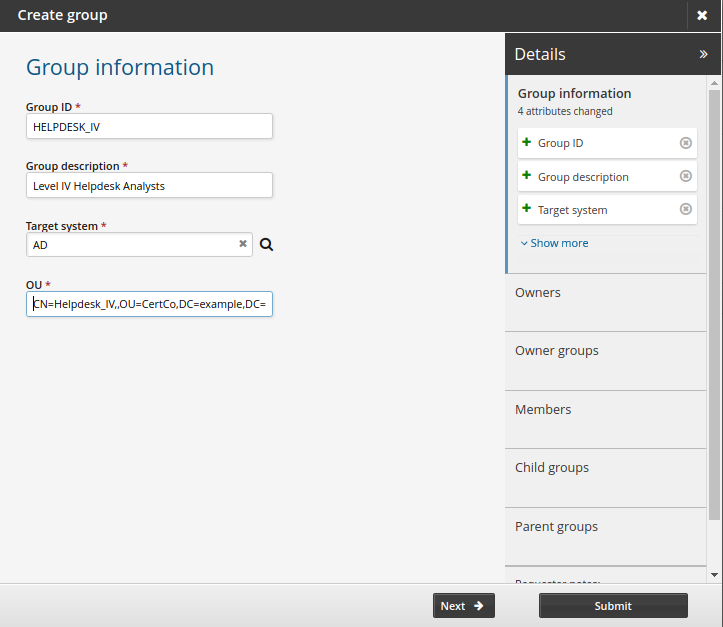
In the wizard, the number of entries displayed in the sidebar is limited to three. Click Show more to expand the list.
Click Next .
Define owner accounts if applicable.
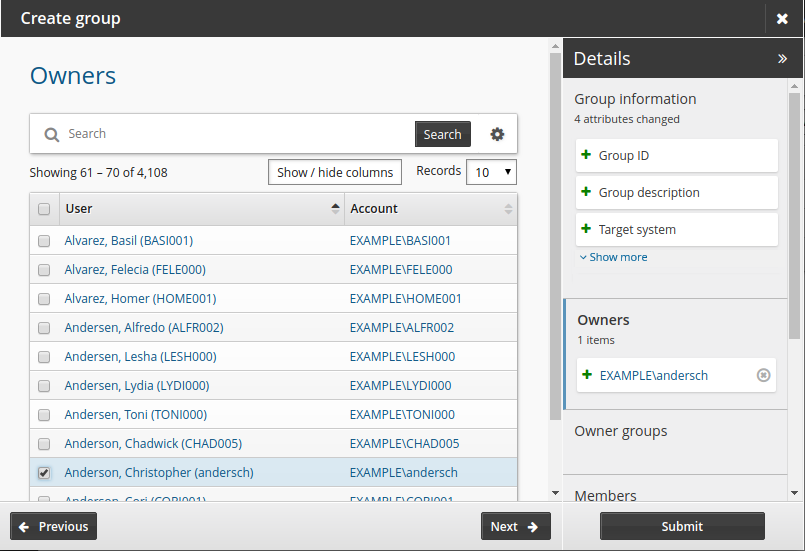
Click Next .
Define owner groups if applicable.
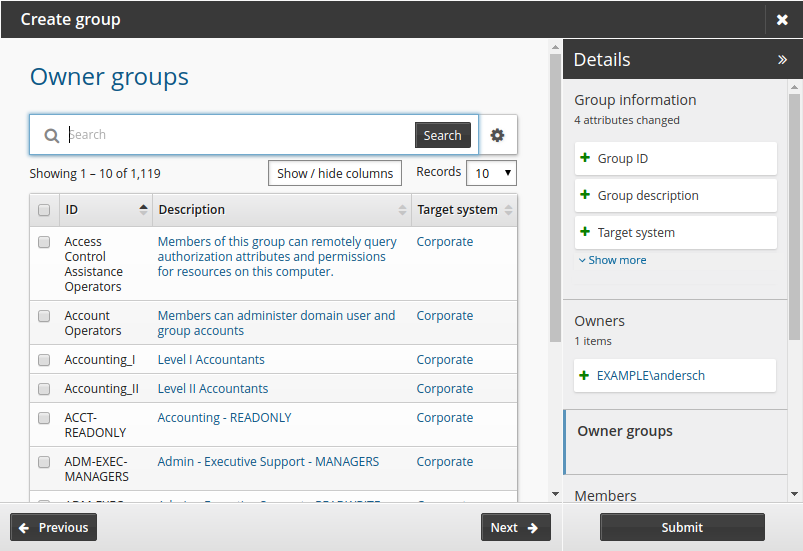
Click Next .
Define member accounts.
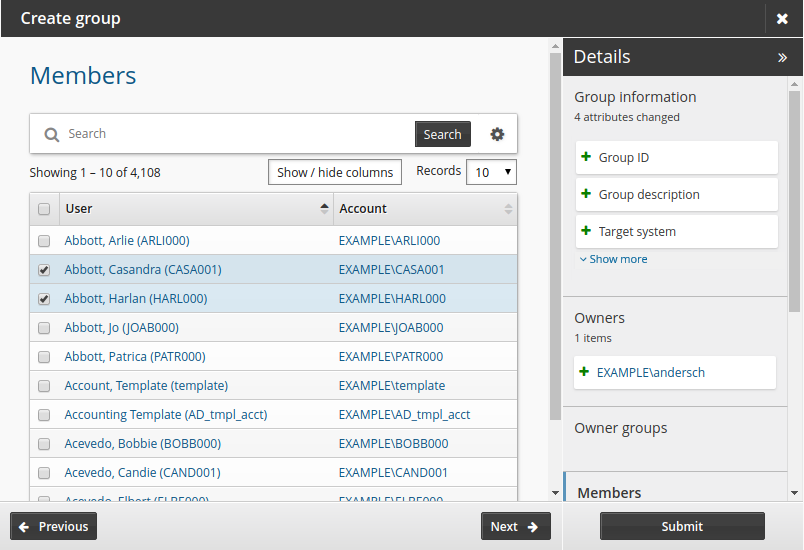
Click Next .
Define child groups.
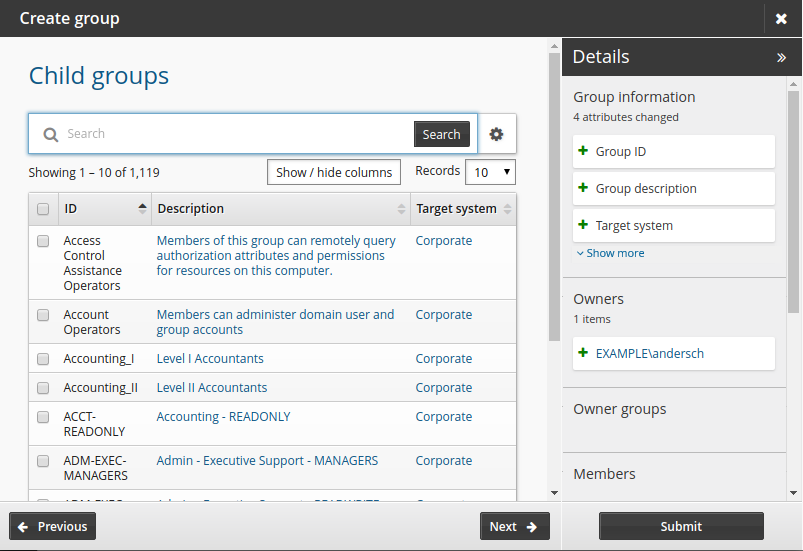
Click Next .
Define parent groups.
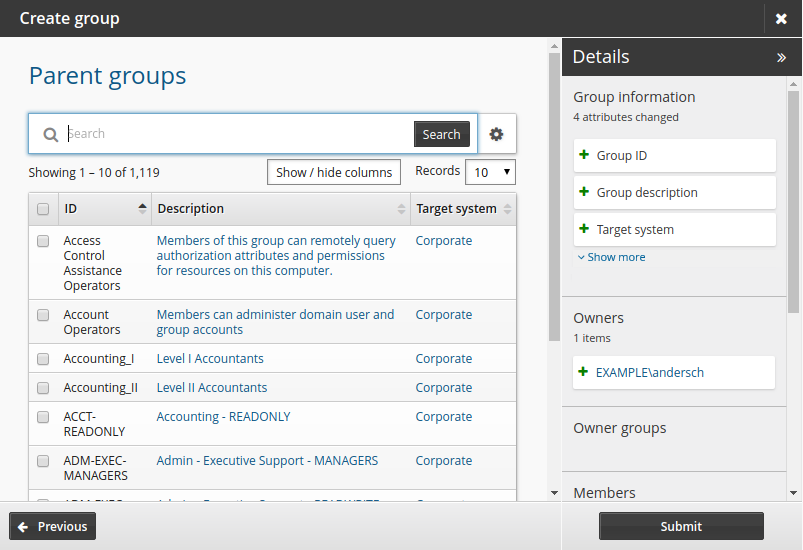
Click Submit.